
Why Your Elementor Site Is Still Slow After Caching
Content reviewed September 26, 2026 · Free 2.0.6 feature scope; Pro availability depends on the installed version and supported action.
A cache can serve your HTML quickly while the visitor still waits for a large hero image, required styles or busy JavaScript. “The cache is on” does not mean the whole page is fast. Equally, a slow server response should not be blamed on Elementor assets without evidence.
Use this triage to find the next bottleneck before installing another overlapping optimizer.
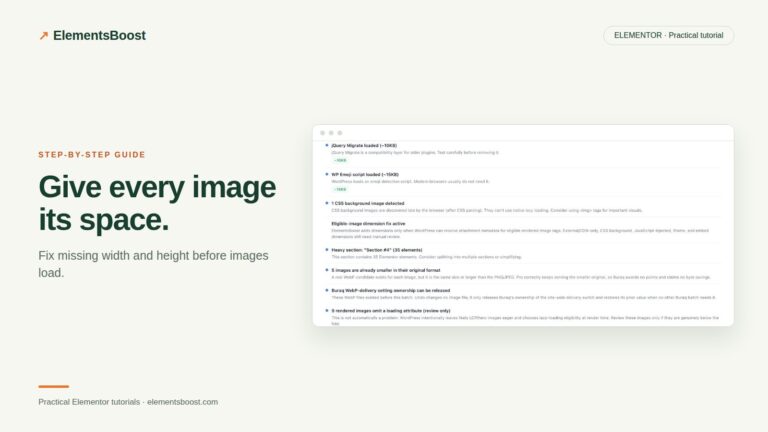
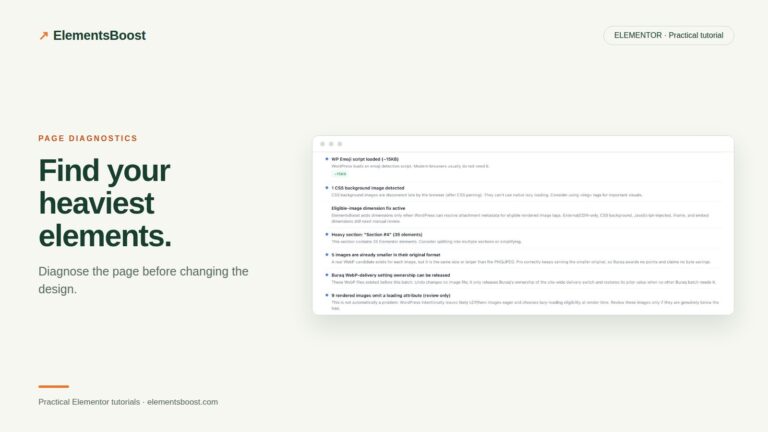
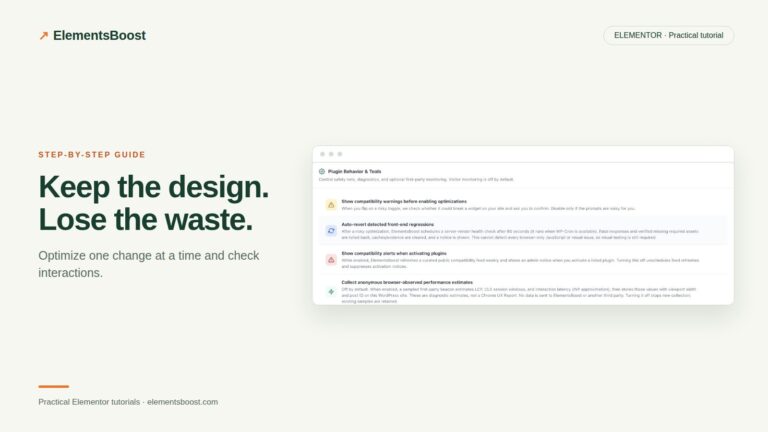
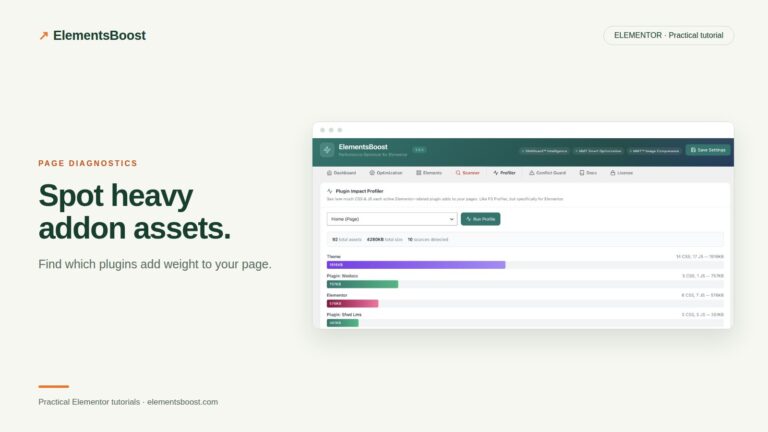
Workflow illustration: the steps to follow, not measured test results.
1. Check whether the slow part is the HTML response
Test the public URL logged out and note cache state. Inspect the main document response and your cache provider’s documented signals. A consistently slow response may need hosting, cache configuration or backend investigation. Separate that from the downloads and rendering that happen after HTML arrives.
2. Identify the LCP element
Look at the element reported for Largest Contentful Paint in a mobile test. If it is a hero image, inspect source size, request timing and lazy-loading status. If it is text, inspect fonts and blocking styles. Optimize the identified element rather than the first image you happen to see in the editor.
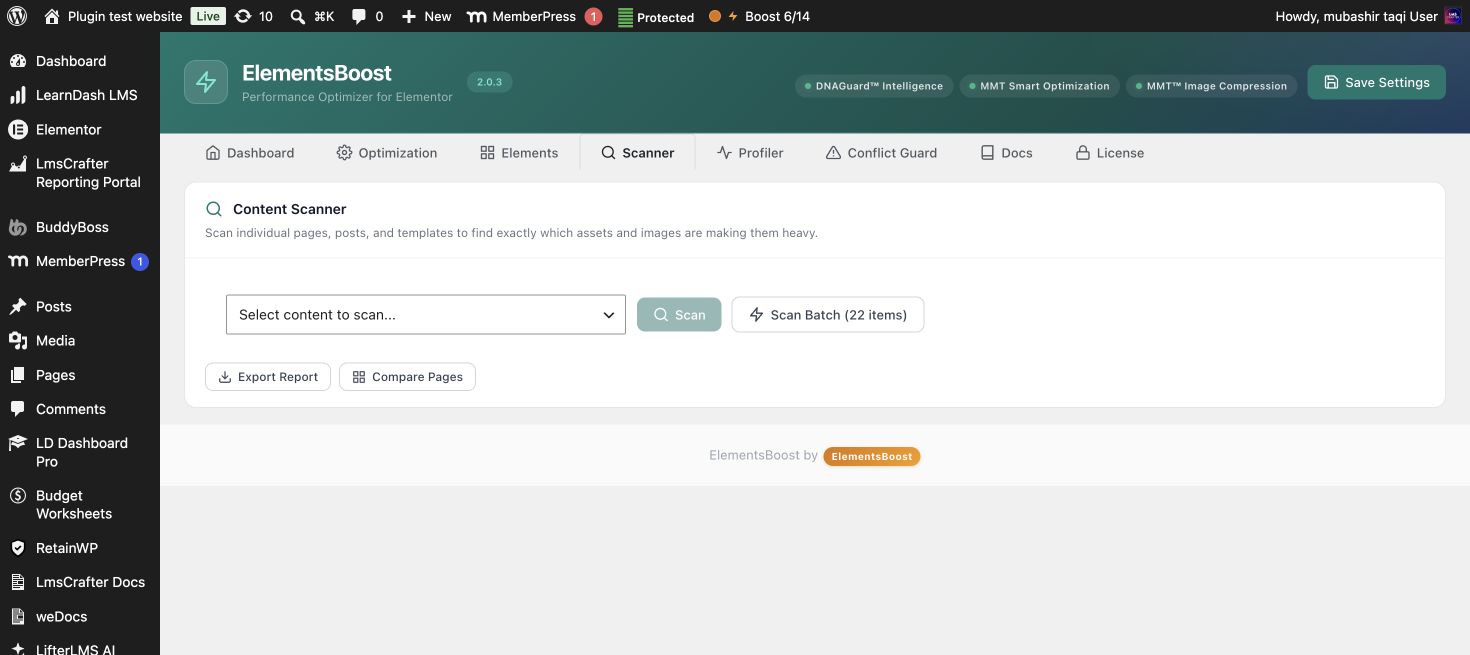
3. Inspect the remaining page work
Use Buraq and asset profiling to review local images, addon files and page structure. Check the network panel for third-party embeds or duplicated files. A cached response still instructs the browser to download those assets, so frontend work can remain substantial.
4. Assign each optimization to one tool
Keep your cache as the delivery layer. Choose one owner for overlapping font rewriting, image delivery or JavaScript delay. Change one responsibility at a time and test the combination. An impressive score obtained with a broken menu or delayed consent behavior is not a successful release.
5. Compare like with like
Run the same mobile URL under the same conditions before and after the focused change. Repeat runs and inspect the median alongside functional checks. Pro can retain matched PageSpeed history; field data may take longer to reflect the release and represents a different population.
Before you call this fixed
- Cache state is documented.
- The actual LCP element is identified.
- Overlapping optimization ownership is clear.
- The public page works and the matched result improved.
Further reading: Google’s guide to diagnosing and improving LCP.
2 Comments