
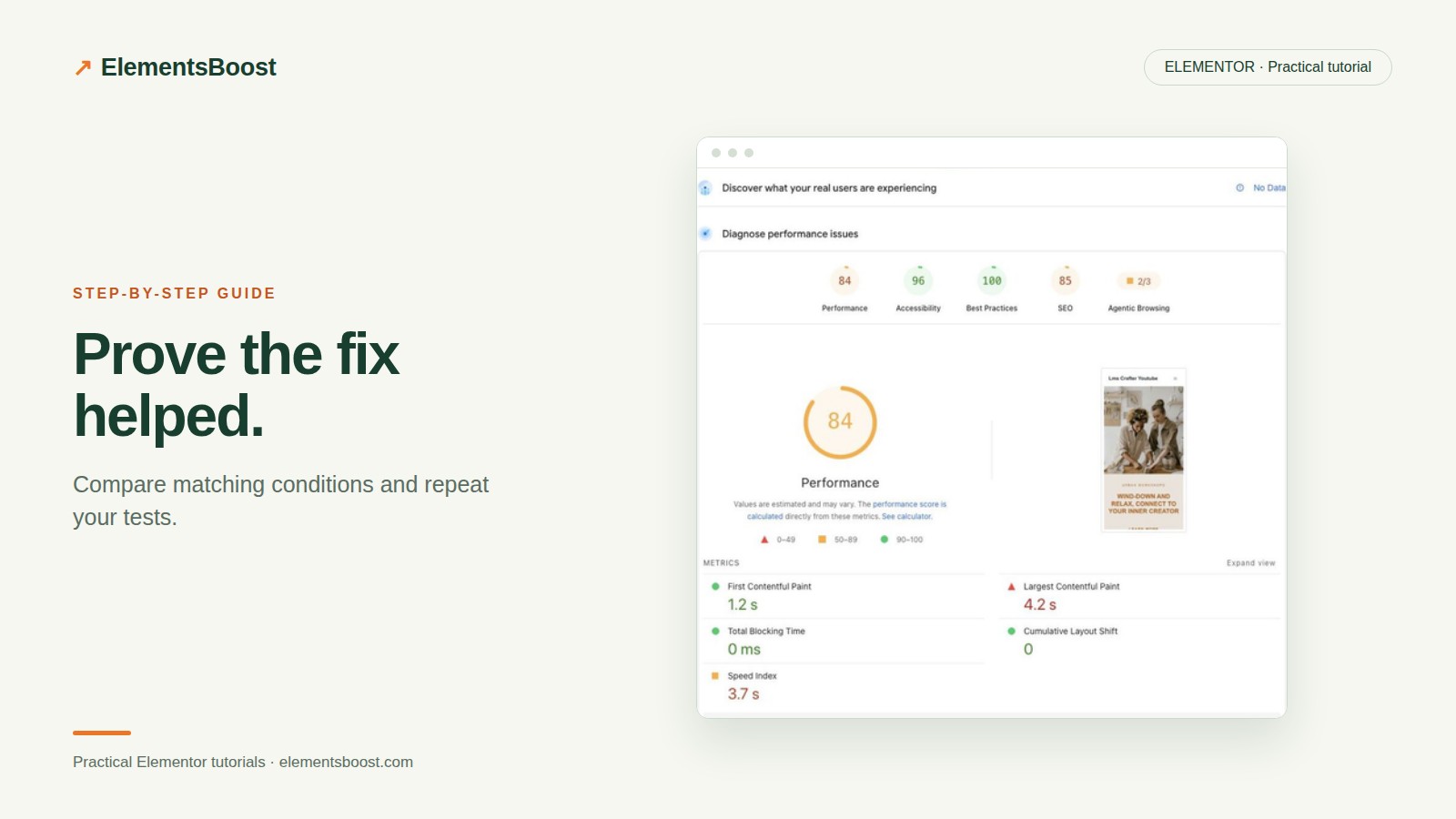
How to Verify an Elementor Performance Fix With Matched Tests
Content reviewed September 26, 2026 · Free 2.0.6 feature scope; Pro availability depends on the installed version and supported action.
A higher score in one run does not prove your last setting caused an improvement. Network conditions, cache state and lab variability can move the result. Equally, a setting marked enabled does not prove its intended output reached visitors.
Verification needs three layers: the expected technical change, working user interactions and a fair performance comparison.
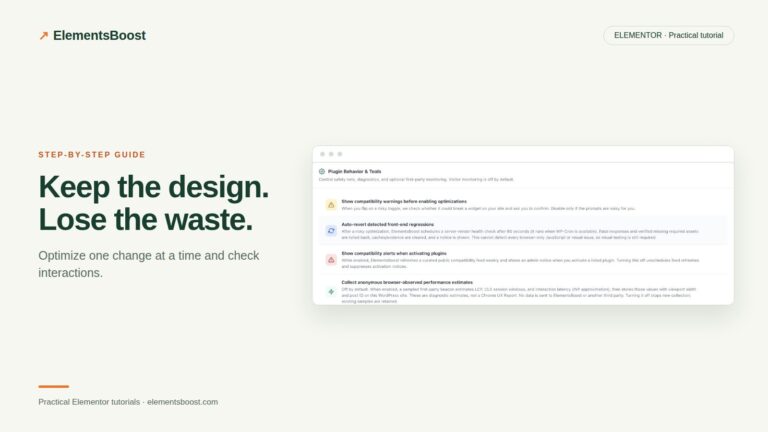
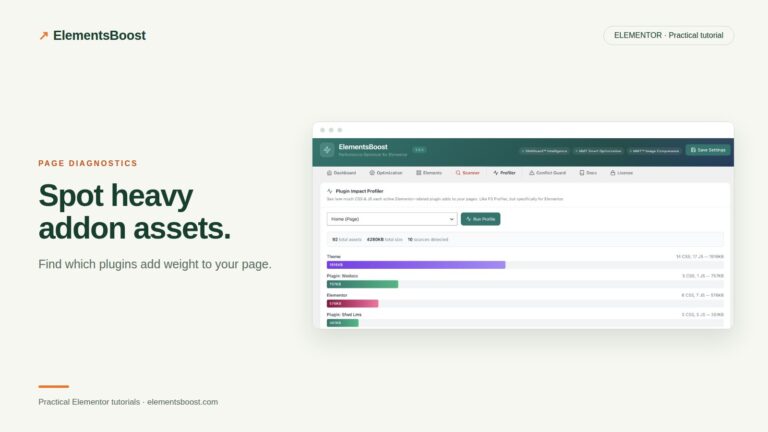
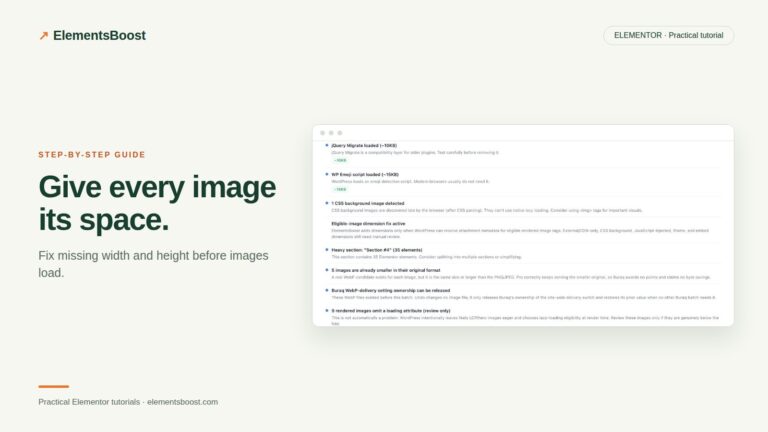
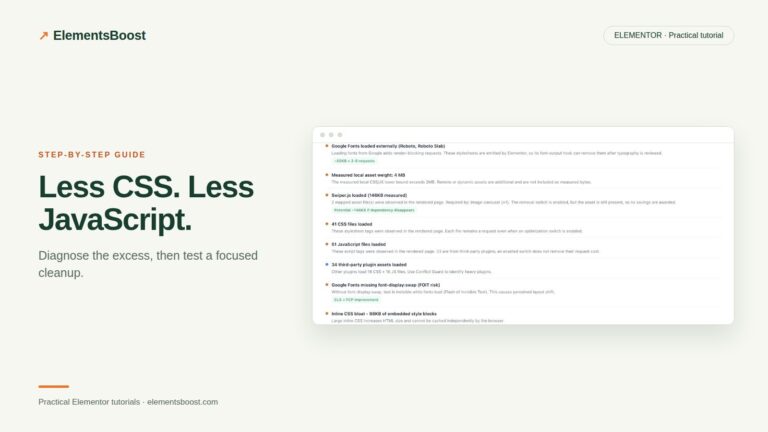
Workflow illustration: the steps to follow, not measured test results.
1. Save a reproducible baseline
Choose the exact public URL and device. Record the relevant cache conditions, test time and active candidate state. Run the same test more than once before changing anything. Keep the page content stable during the comparison so a changed image or added embed does not confound it.
2. Confirm the specific technical effect
If the fix adds dimensions, inspect those attributes. If it removes an asset, confirm the exact request is absent. If it creates a smaller image, inspect the file the browser actually downloads. This narrow evidence is more informative than an unexplained score movement.
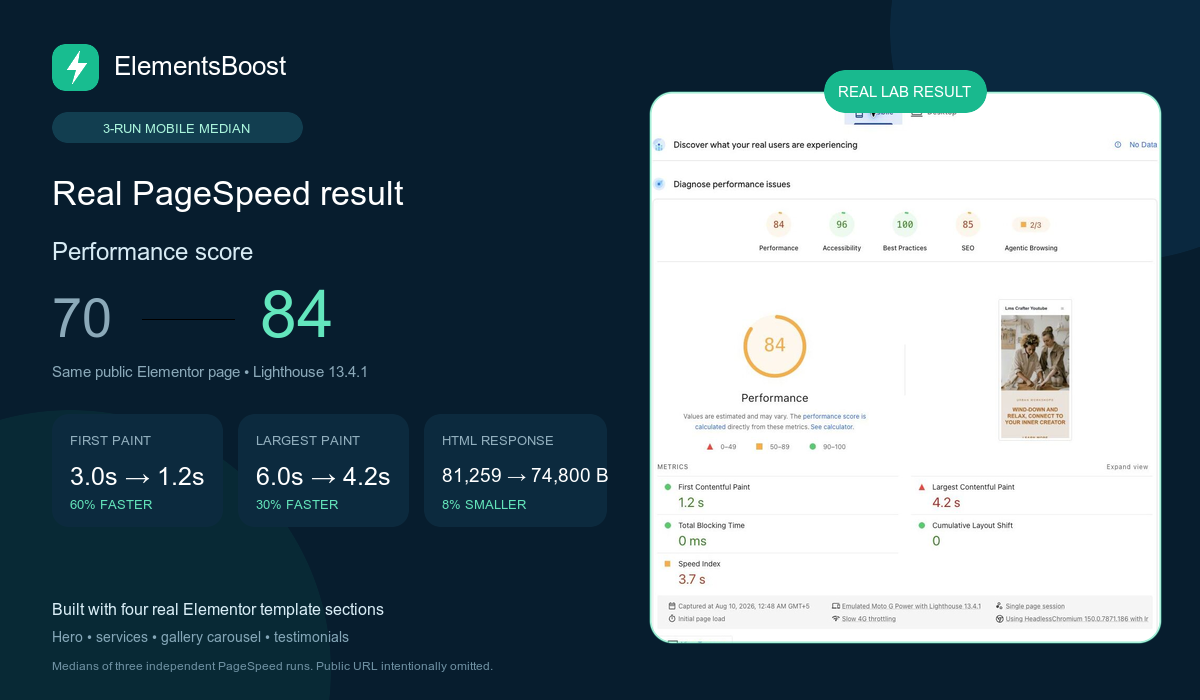
3. Measure published output
Public Buraq verification and external Lighthouse tests cannot inspect administrator-only Test Mode output. Release the reviewed candidate through the controlled workflow or use staging without Test Mode. Clear relevant caches, then test the logged-out URL.
4. Compare repeated runs consistently
Use matched three-run medians where available in Pro. Keep the same page, device and test setup for before and after. Compare LCP, requests and transferred weight alongside the score. Do not compare raw file bytes with compressed transfer bytes as if they were the same measurement.
5. Report the result with its limits
Record what changed, what the repeated tests show and which interactions passed. Separate Lighthouse lab data from real-user measurements. Search Console and CrUX field data have their own collection windows; a release does not instantly rewrite their history. Keep a change only when its benefits and functional checks justify it.
Before you call this fixed
- Before and after use the same URL and device.
- The expected request, markup or file change is confirmed.
- Repeated results—not one peak score—support the conclusion.
- No functional regression offsets the gain.
Further reading: Google’s guide to diagnosing and improving LCP.
3 Comments