How to Measure Elementor Image Improvements: Free, Then Pro
See what each tier changed on one reproducible page. Follow the practical ElementsBoost workflow, check the result and keep a recovery path.

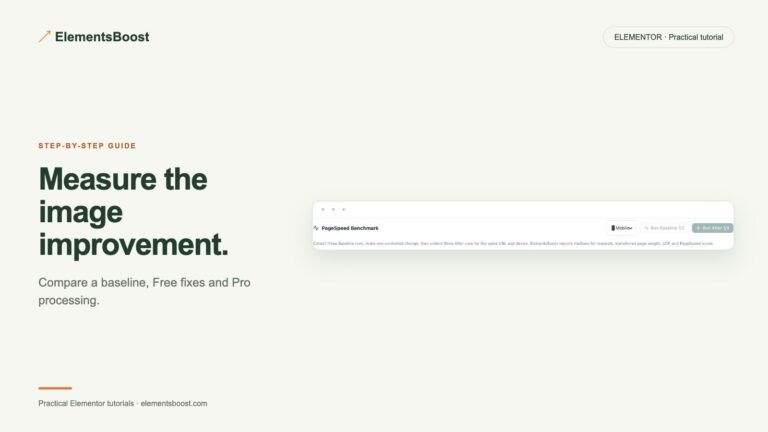
See what each tier changed on one reproducible page. Follow the practical ElementsBoost workflow, check the result and keep a recovery path.
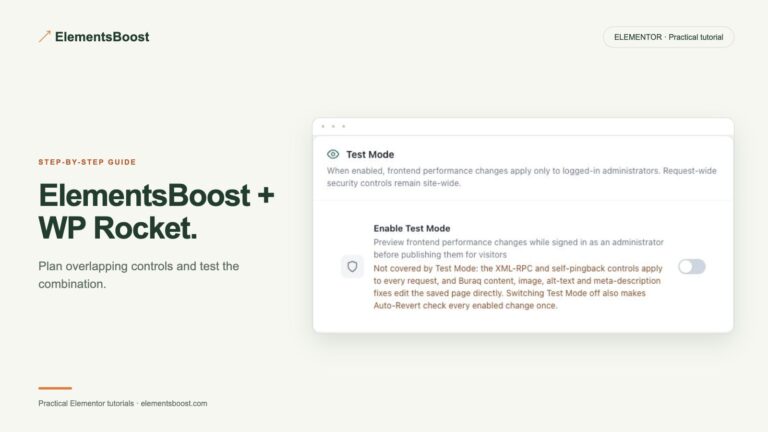
Combine the tools without giving two plugins the same optimization job. Follow the practical ElementsBoost workflow, check the result and keep a recovery path.
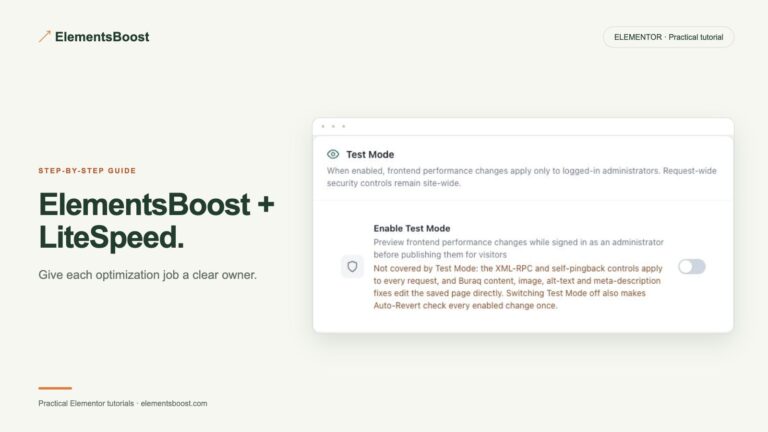
Assign each optimization job to one tool and verify the combined setup. Follow the practical ElementsBoost workflow, check the result and keep a recovery path.
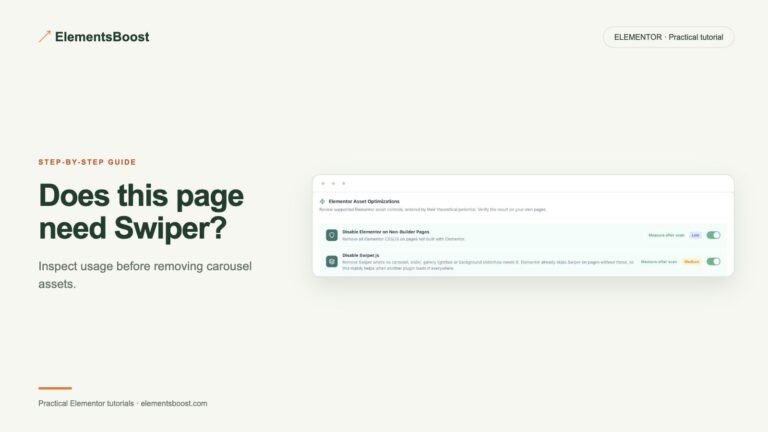
Keep slider assets on pages that need them and remove them where eligible. Follow the practical ElementsBoost workflow, check the result and keep a recovery path.
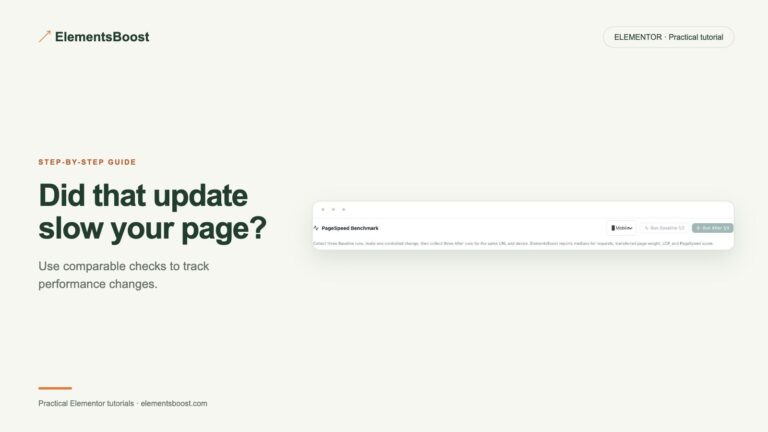
Keep a baseline and spot a later regression instead of losing the previous result. Follow the practical ElementsBoost workflow, check the result and keep a recovery path.

Correct an eligible page-structure or description issue after reviewing the proposed change. Follow the practical ElementsBoost workflow, check the result and keep a recovery path.
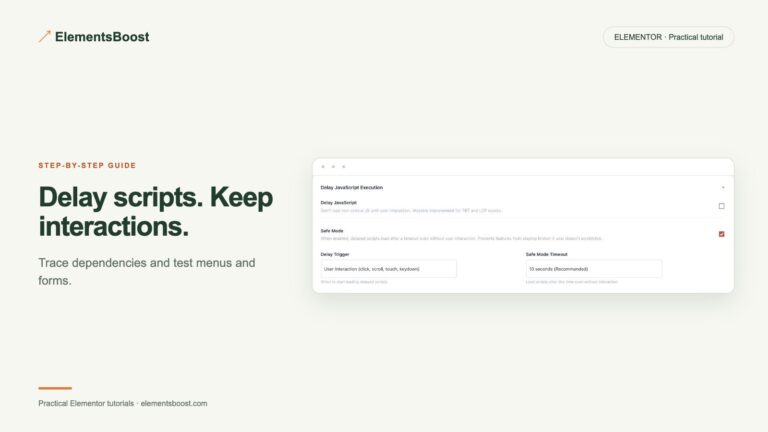
Defer a genuinely non-critical script while keeping interactions functional. Follow the practical ElementsBoost workflow, check the result and keep a recovery path.
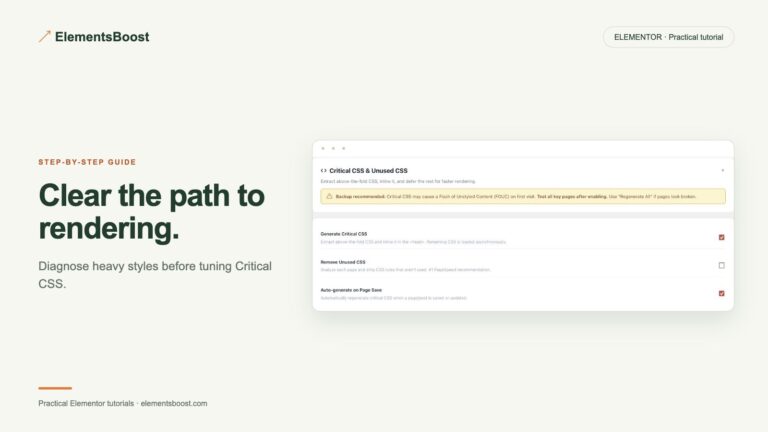
Test whether Critical CSS improves first-screen rendering on one page. Follow the practical ElementsBoost workflow, check the result and keep a recovery path.
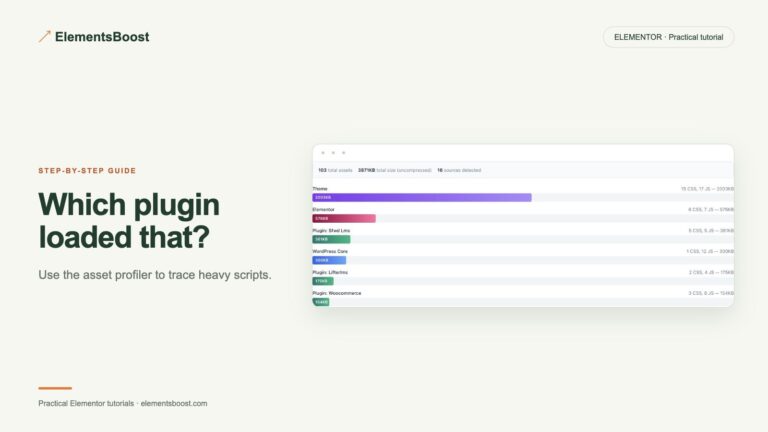
Identify an asset owner and decide whether the file is needed. Follow the practical ElementsBoost workflow, check the result and keep a recovery path.
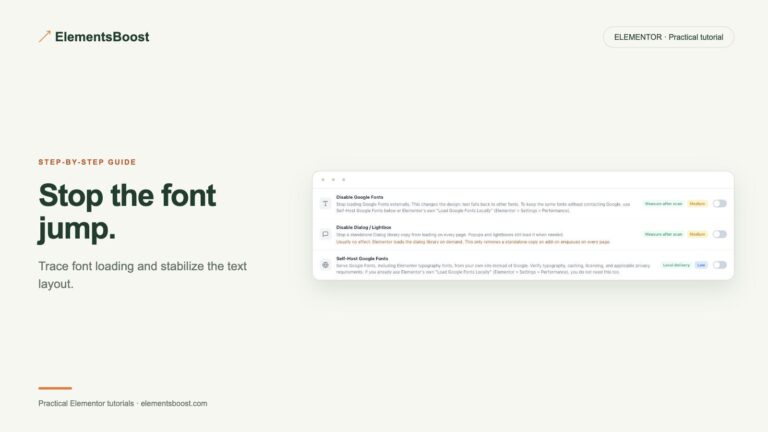
Find and reduce text movement caused by font changes. Follow the practical ElementsBoost workflow, check the result and keep a recovery path.