How to Find Heavy Elementor Elements Before Optimizing
Use Buraq findings, X-Ray and browser evidence to locate expensive Elementor widgets and choose a focused fix.

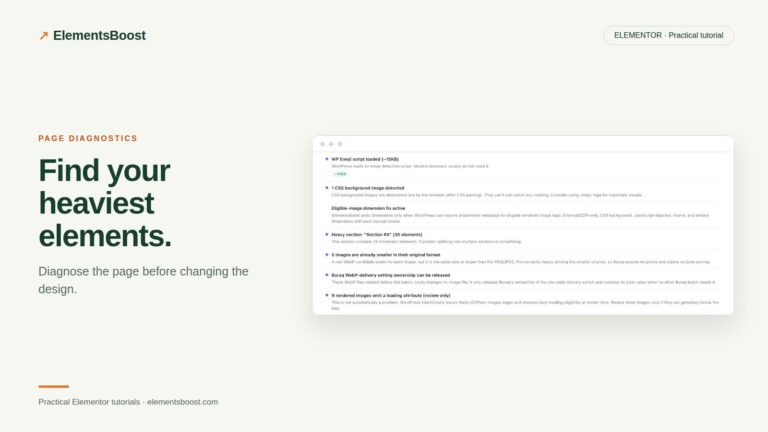
Use Buraq findings, X-Ray and browser evidence to locate expensive Elementor widgets and choose a focused fix.
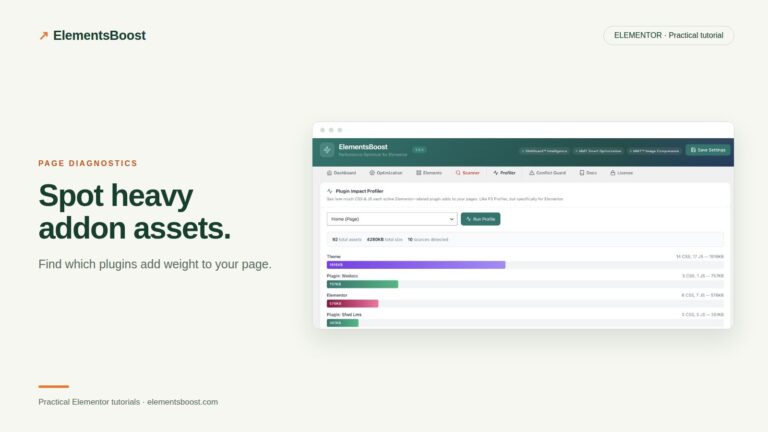
Identify addon scripts and styles, check shared dependencies and use supported page-specific ElementsBoost Pro rules.
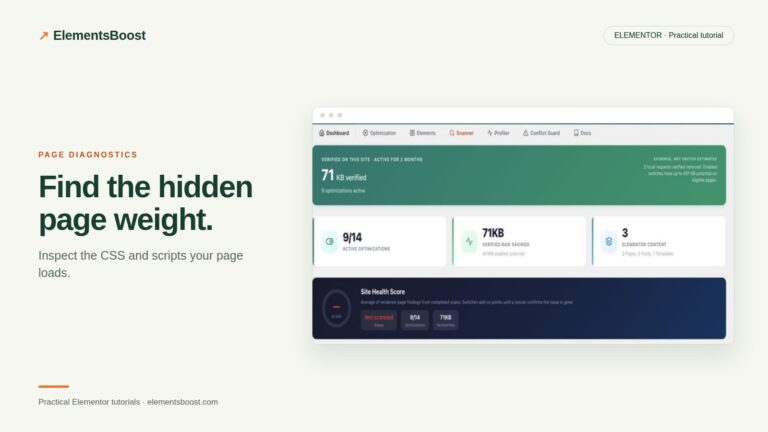
Map Elementor CSS and JavaScript requests to their owners and separate unused assets from scripts needed after interaction.
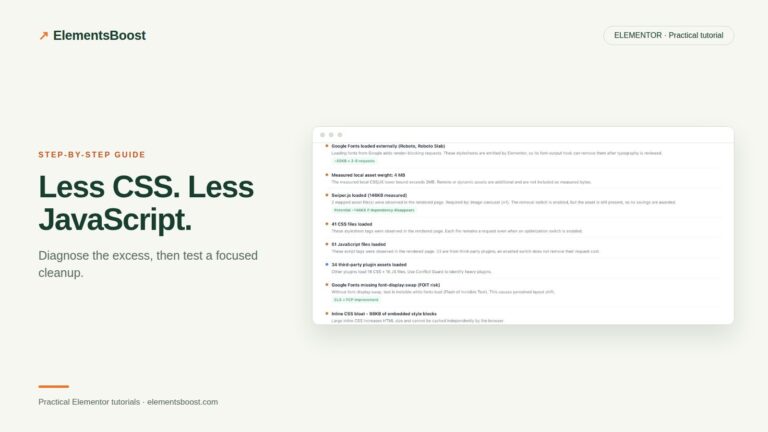
Remove confirmed unnecessary Elementor assets page by page, preview changes and verify both request savings and working interactions.
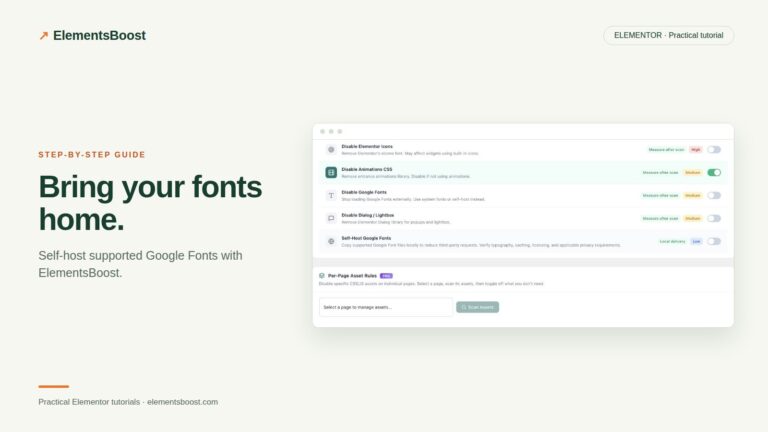
Set up supported Google Font self-hosting in ElementsBoost Free, check local requests and avoid conflicts with other font tools.
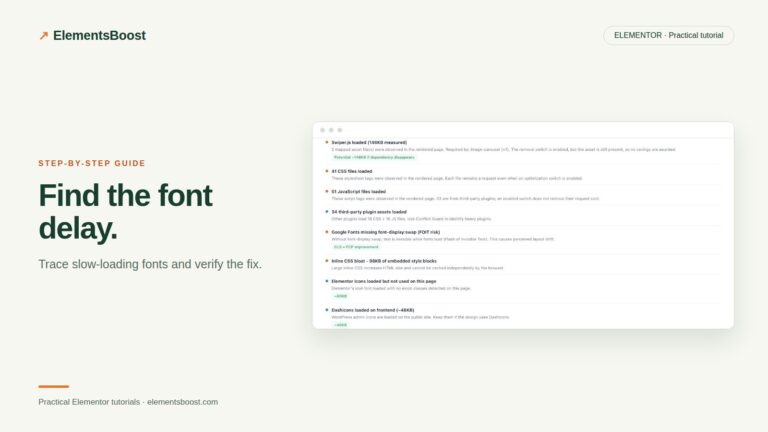
Find duplicate font requests, unnecessary weights and font-related layout shifts before using ElementsBoost font self-hosting.
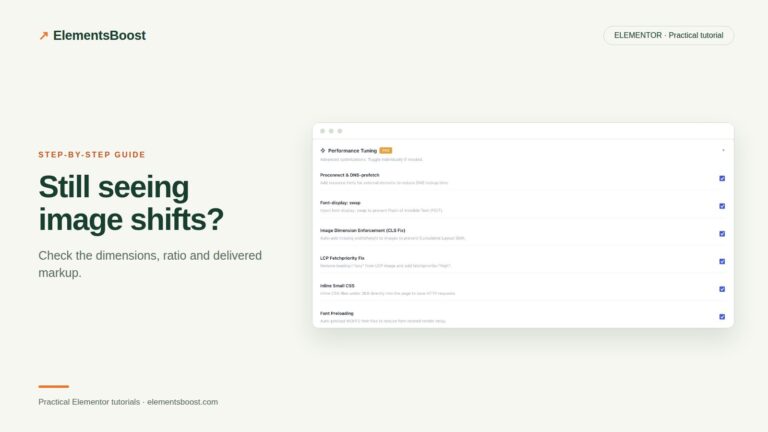
Already added image dimensions but Elementor still shifts? Check cropped wrappers, backgrounds, remote images and cached markup.
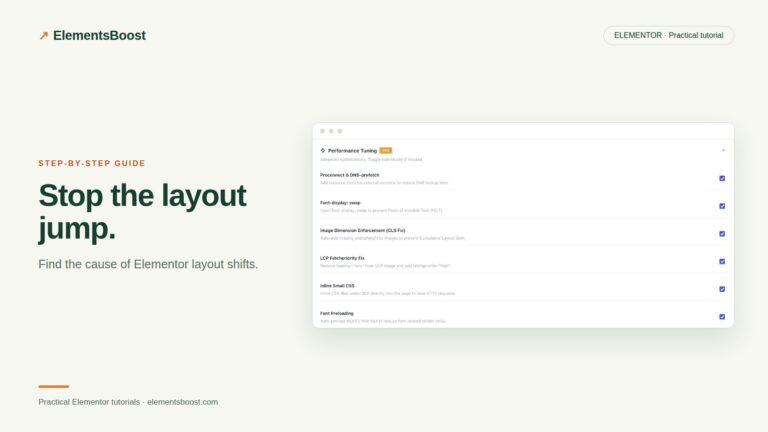
Find the real cause of Elementor CLS, fix images, fonts or late content, and verify the layout shift on the published page.
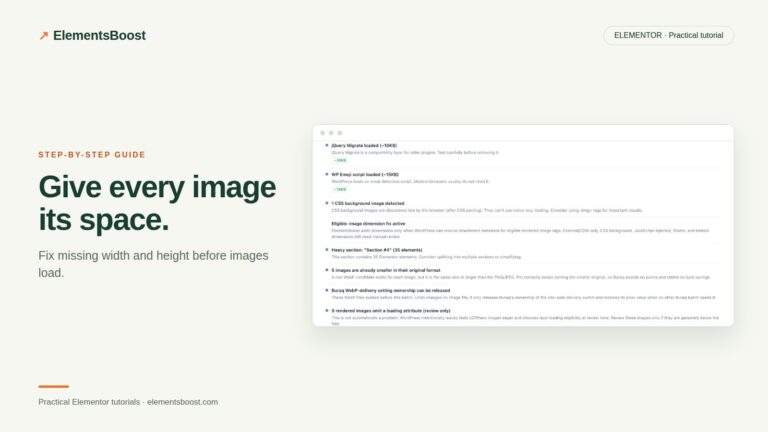
Fix missing image dimensions in Elementor, reserve space before images load, and verify eligible local images with ElementsBoost.