How to Verify an Elementor Performance Fix With Matched Tests
Compare the same Elementor page before and after using repeated mobile tests, request evidence and functional checks.

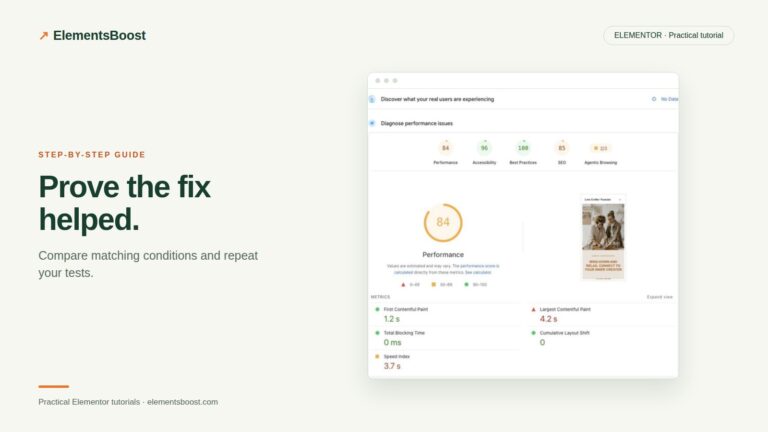
Compare the same Elementor page before and after using repeated mobile tests, request evidence and functional checks.
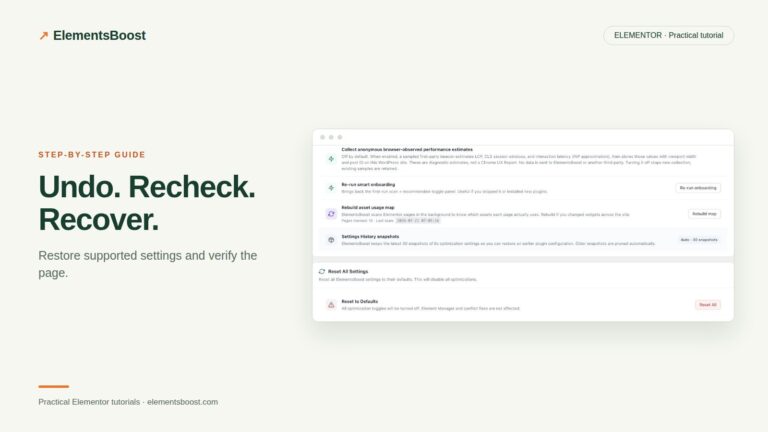
Recover from an Elementor optimization regression using the correct settings, content or image restore path, then verify public output.
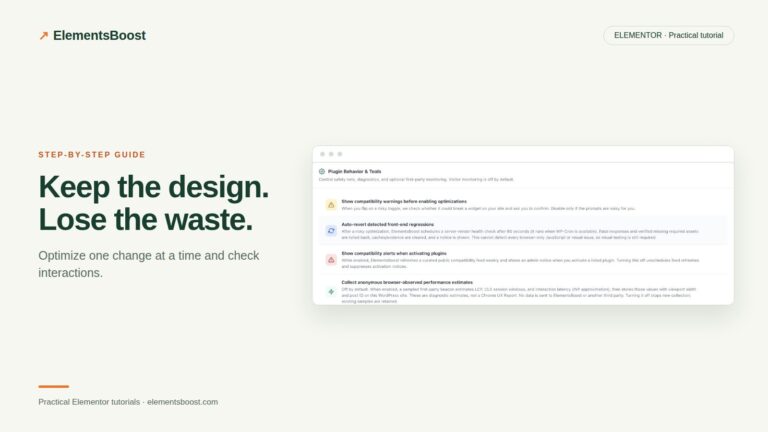
Build a focused Elementor optimization test matrix, preview supported changes and check real visitor interactions before keeping a rule.
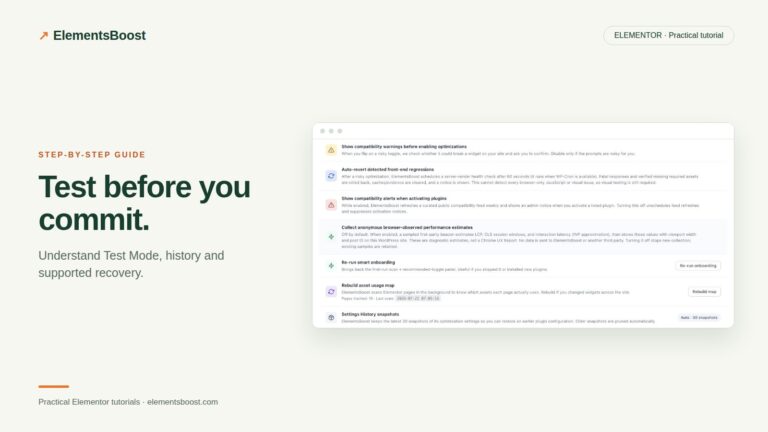
Understand what ElementsBoost Test Mode isolates, what Auto-Revert checks and how to publish a candidate for public verification.
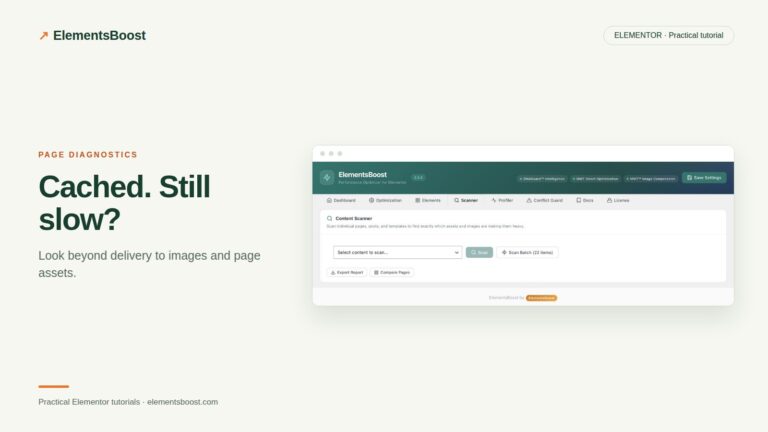
Separate cache delivery from image weight, rendering and Elementor asset costs to find the next useful speed improvement.
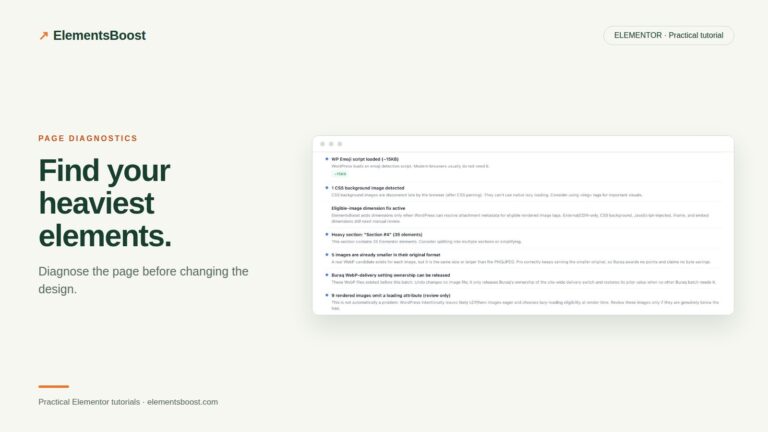
Use Buraq findings, X-Ray and browser evidence to locate expensive Elementor widgets and choose a focused fix.
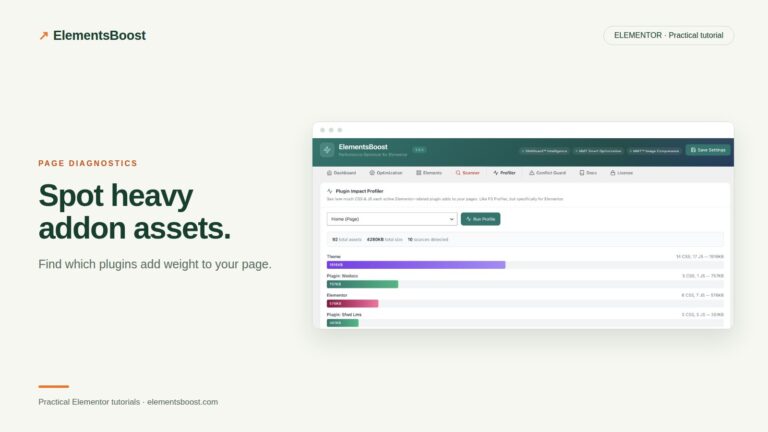
Identify addon scripts and styles, check shared dependencies and use supported page-specific ElementsBoost Pro rules.
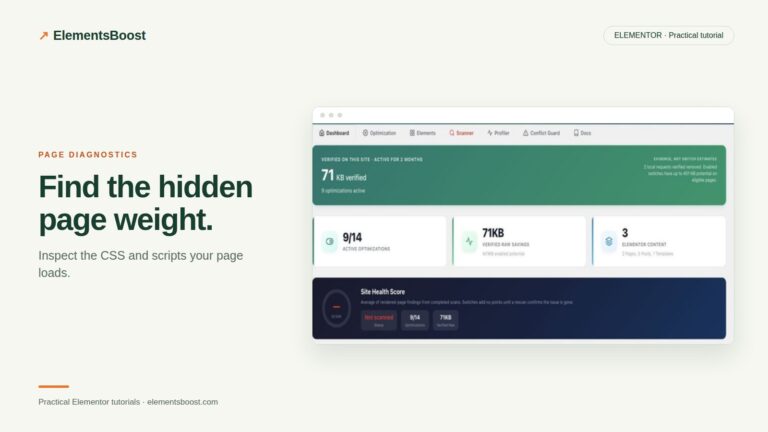
Map Elementor CSS and JavaScript requests to their owners and separate unused assets from scripts needed after interaction.
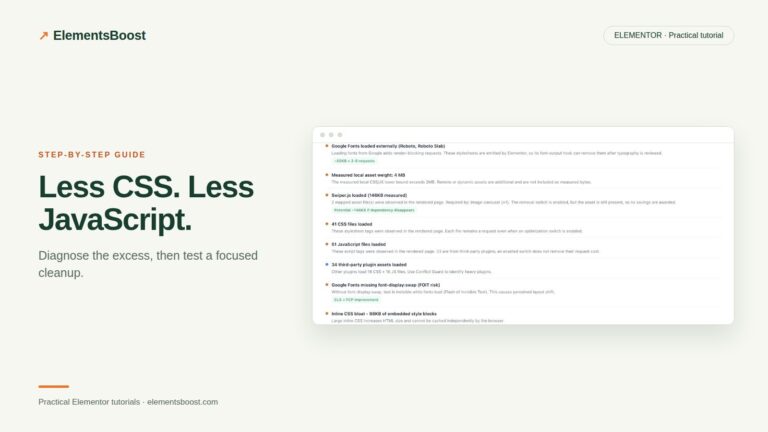
Remove confirmed unnecessary Elementor assets page by page, preview changes and verify both request savings and working interactions.
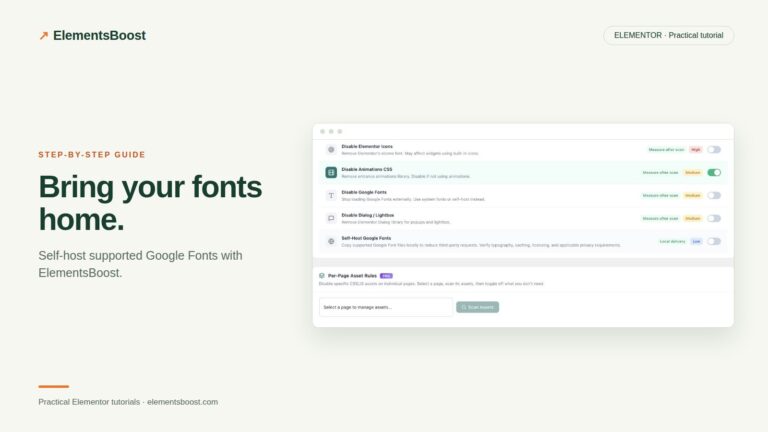
Set up supported Google Font self-hosting in ElementsBoost Free, check local requests and avoid conflicts with other font tools.