
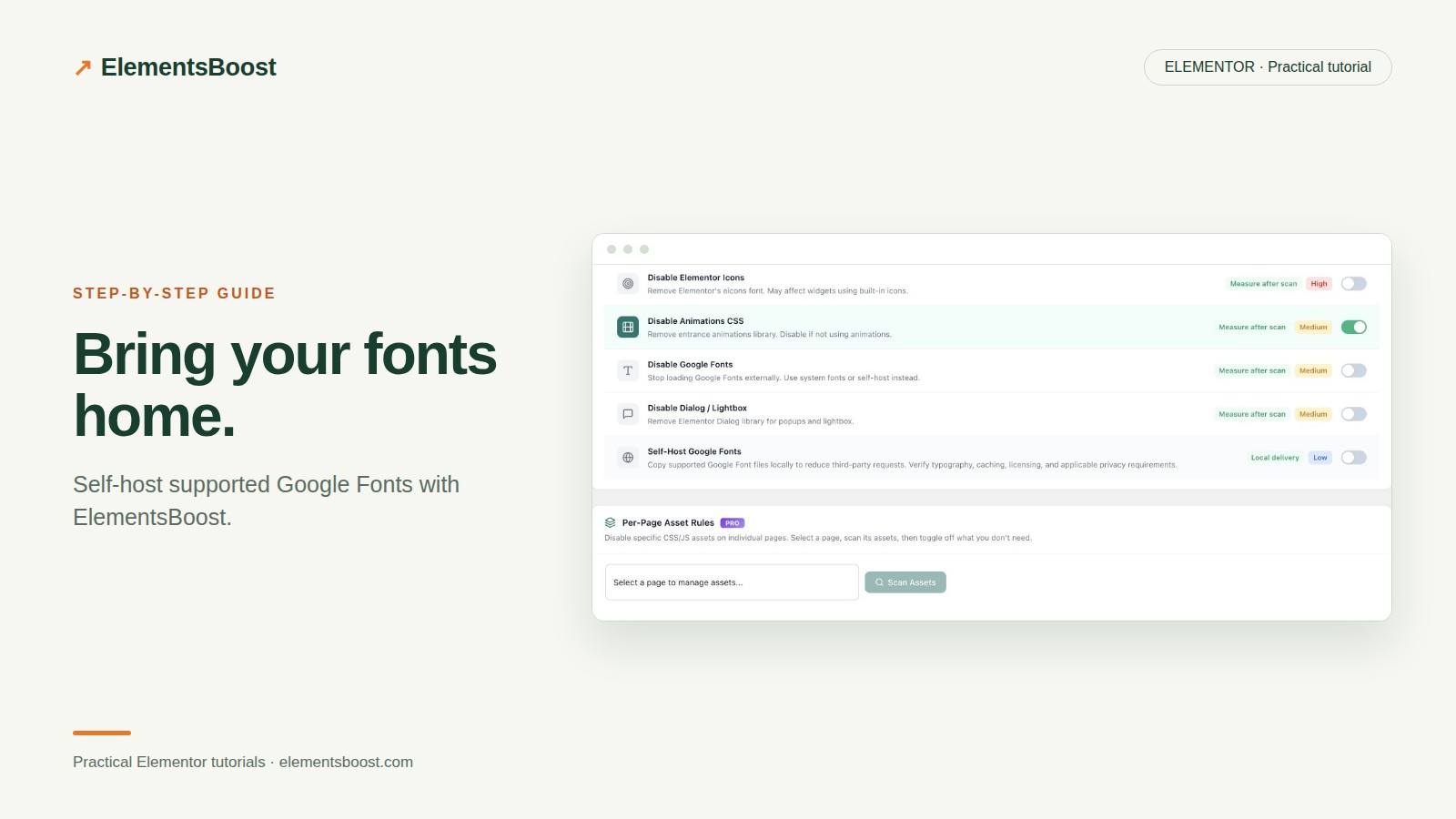
How to Self-Host Google Fonts in Elementor With ElementsBoost
Content reviewed September 26, 2026 · Free 2.0.6 feature scope; Pro availability depends on the installed version and supported action.
Self-hosting puts supported font files on your own site rather than fetching them from Google’s font servers on each visitor’s page load. It can simplify delivery, but it does not automatically reduce the number of fonts or fix a poor fallback.
This is the setup guide. If you have not yet identified your active families and duplicate requests, begin with the font-loading diagnosis tutorial linked below.
Workflow illustration: the steps to follow, not measured test results.
1. Record the current font requests
Choose a representative page with the main heading, navigation and body text. Capture the current font families, weights and source URLs in the browser network panel. Include a page with any special typography so you do not test only the simplest layout.
2. Choose one font-handling owner
Check whether your theme, cache plugin or another optimization plugin already rewrites Google Fonts. Avoid two tools rewriting the same stylesheet or maintaining competing font caches. ElementsBoost’s compatibility guidance helps flag possible overlap, but you still need to inspect the actual requests.
3. Enable the supported Free control
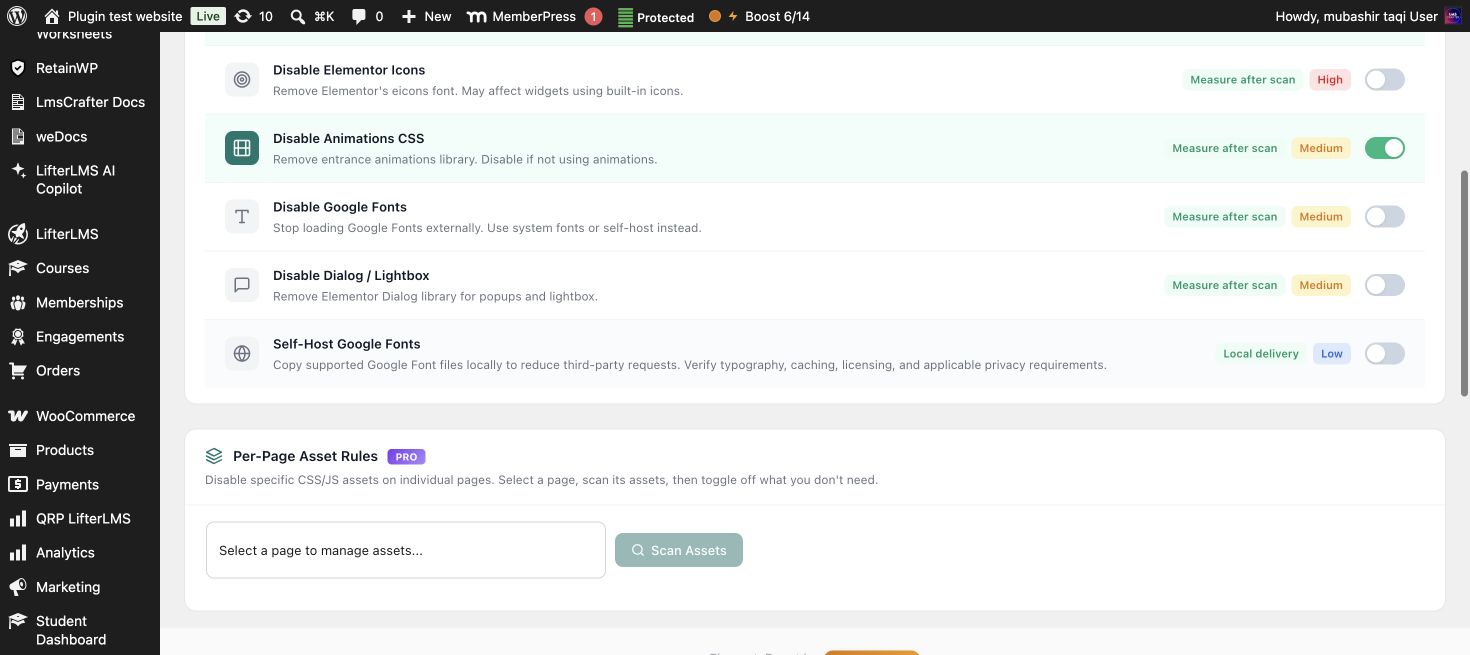
In the ElementsBoost dashboard, locate the Google Font self-hosting control and read its scope. Use the supported preview/testing workflow, then enable the candidate publicly in a controlled release. Test Mode applies to supported font frontend hooks; an external scanner cannot see that administrator-only output.
4. Verify local delivery and coverage
Clear the affected cache and inspect a logged-out reload. Confirm that the supported font files now load from your site and that they return successfully. Inspect both normal and bold text. Fonts introduced by unsupported custom code or external components may remain remote and require changes at their source.
5. Check the typography before measuring speed
Review headings, buttons, form labels and mobile navigation for fallback or missing-weight problems. Compare the same mobile test conditions before and after. If you need to undo the control, use the relevant setting/history recovery path and clear the affected cache; verify the restored public requests.
Before you call this fixed
- Font files return successfully from the intended source.
- All used weights remain legible.
- No competing font rewrite is active.
- Public output—not only Test Mode—was checked.
Further reading: ElementsBoost’s current Free feature documentation on WordPress.org.
One Comment