
Elementor Performance Release Checklist: Before You Keep a Fix
Content reviewed September 26, 2026 · Free 2.0.6 feature scope; Pro availability depends on the installed version and supported action.
Use this checklist when you are ready to decide whether an optimization should stay live. It is a release worksheet, not another diagnosis tutorial. A completed optimization needs more than a green badge: the intended output must be public, the site must work and the comparison must be fair.
Copy the acceptance table below into your release notes and record a result for each row.
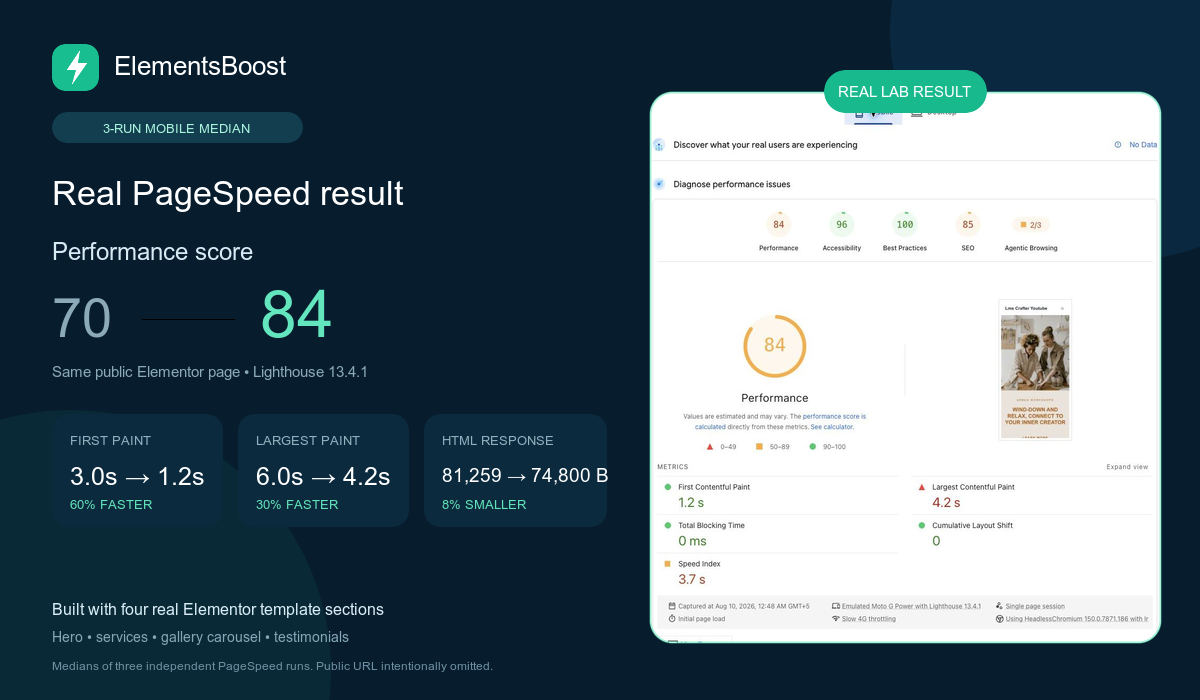
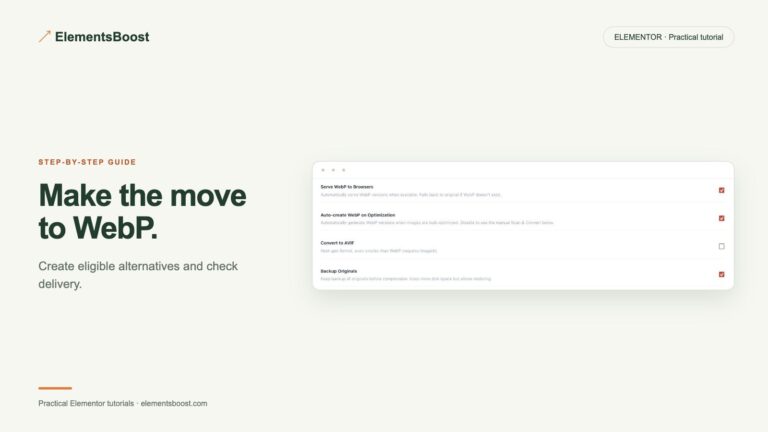
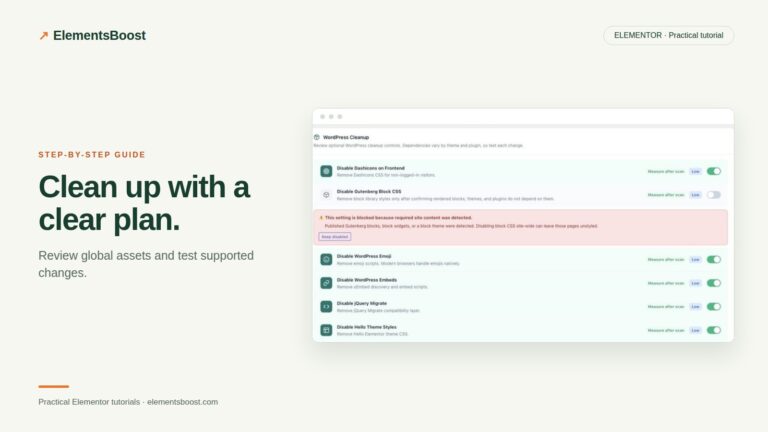
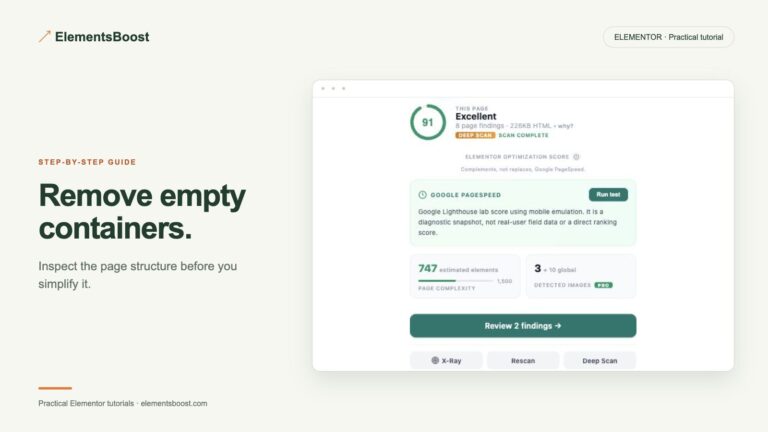
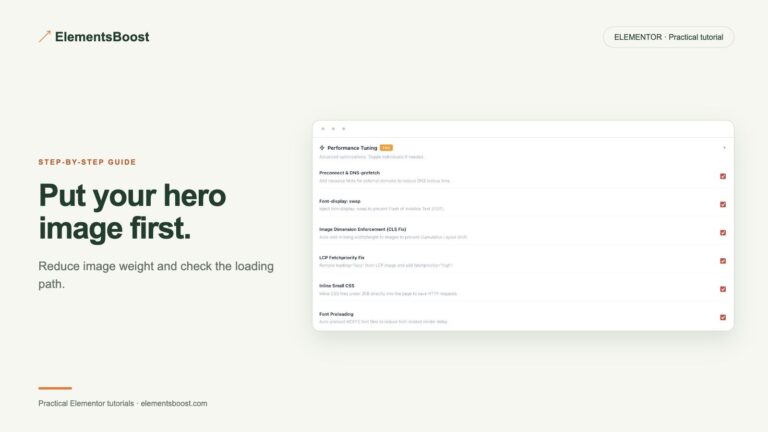
Workflow illustration: the steps to follow, not measured test results.
Before the change
Name one candidate, the page or template it affects and the evidence behind it. Record the current setting and a known-good screenshot. Identify whether recovery uses Settings History, a per-page rule, scoped content undo, an image backup or a site revision. Confirm that the recovery mechanism applies to this action.
During preview
Use the supported Test Mode or Pro Safe Preview path where appropriate. Inspect the mobile and desktop layouts and the states that depend on the candidate. Persistent content edits need backups because Test Mode is not a general content sandbox. Mark any untested state explicitly rather than assuming it passes.
At public release
Use a controlled transition for supported settings, clear relevant caches and inspect the public logged-out page. Confirm the technical effect directly: the new attribute, removed request or actual delivered image. An enabled toggle is not an acceptance result.
Functional acceptance
Check navigation, forms, validation, popups, sliders, tabs, sticky behavior and important commerce pages without creating unintended submissions or transactions. Include a page outside the rule’s scope. If any critical behavior regresses, recover the candidate and stop the release.
Performance acceptance and follow-up
Compare the same public URL and device using repeated runs. Record lab values separately from field data and raw bytes separately from transfer bytes. Document the final decision, unresolved bottlenecks and the conditions that should trigger retesting, such as a template or addon update.
Before you call this fixed
- Candidate, scope and owner are recorded.
- Recovery is available and appropriate.
- Public technical effect is confirmed.
- Mobile and desktop interactions pass.
- Matched measurements support keeping the change.
Further reading: ElementsBoost’s current Free feature documentation on WordPress.org.
4 Comments