How to Find and Fix Missing Image Alt Text in Elementor
Give meaningful images useful descriptions and keep decorative images appropriately empty. Follow the practical ElementsBoost workflow, check the result and keep a recovery path.


Give meaningful images useful descriptions and keep decorative images appropriately empty. Follow the practical ElementsBoost workflow, check the result and keep a recovery path.
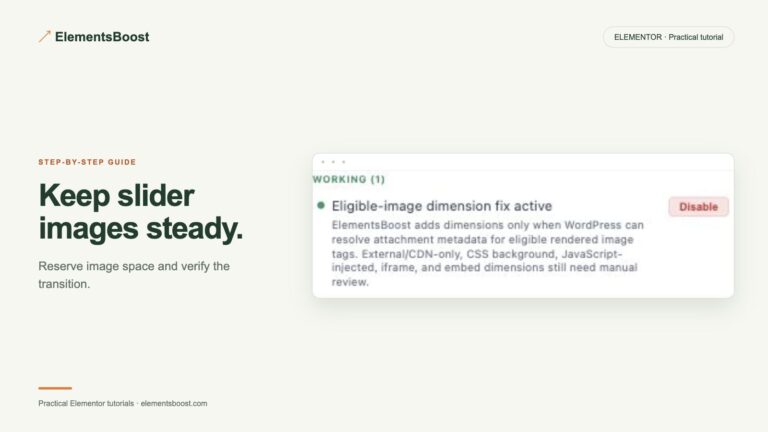
Stabilize slide geometry and then reduce image weight if necessary. Follow the practical ElementsBoost workflow, check the result and keep a recovery path.
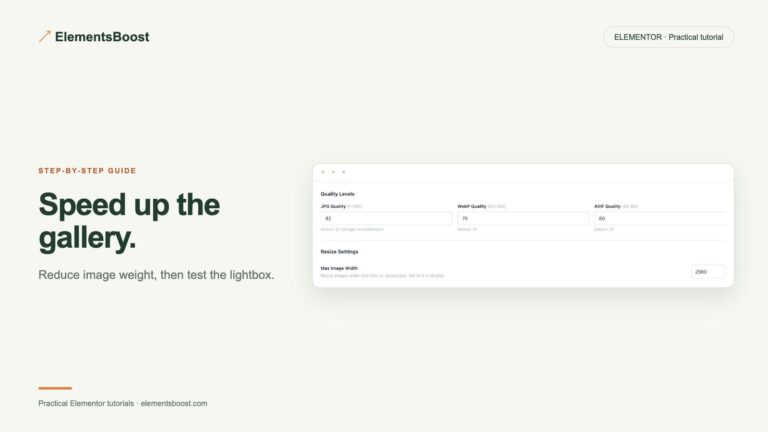
Load suitable thumbnails and preserve the full-size viewing experience. Follow the practical ElementsBoost workflow, check the result and keep a recovery path.
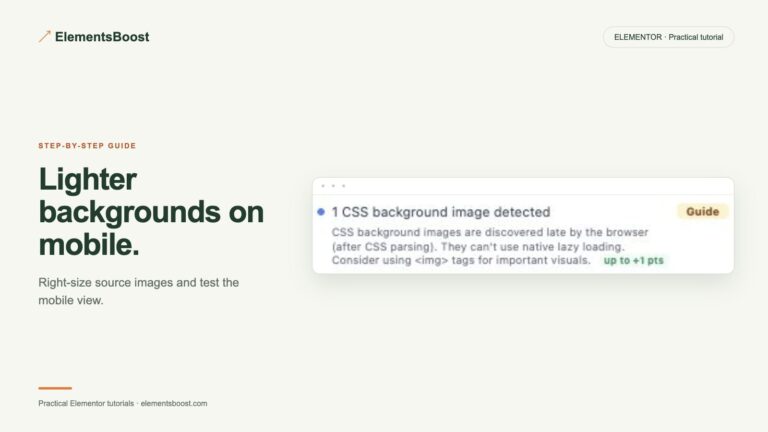
Use a suitable mobile background with stable geometry. Follow the practical ElementsBoost workflow, check the result and keep a recovery path.

Distinguish an encoded file from the file a visitor downloads. Follow the practical ElementsBoost workflow, check the result and keep a recovery path.
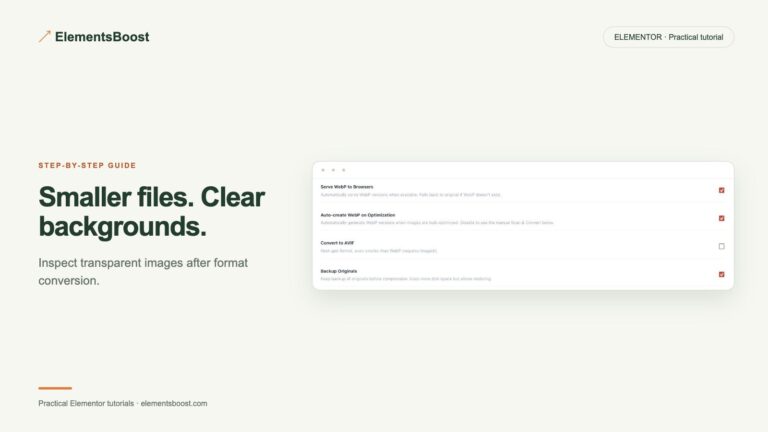
Keep transparent edges while testing a smaller local format. Follow the practical ElementsBoost workflow, check the result and keep a recovery path.
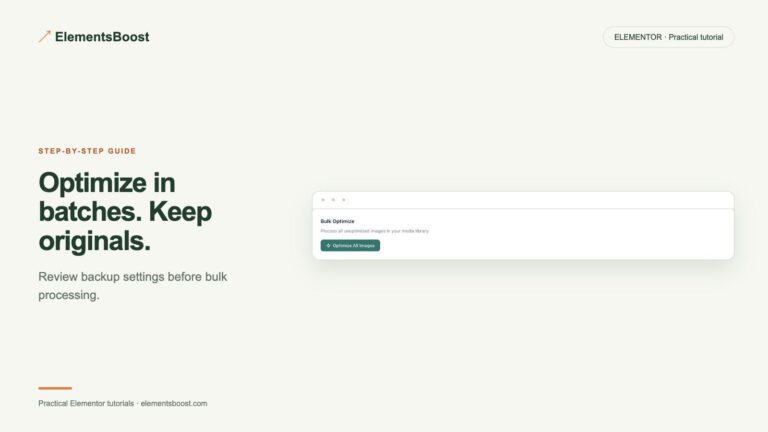
Process a small batch, verify it, and recover a complete image family. Follow the practical ElementsBoost workflow, check the result and keep a recovery path.
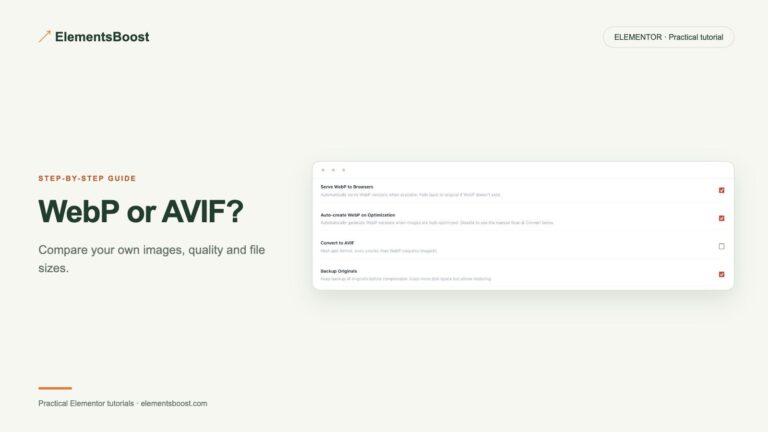
Choose a format using actual size, quality and server support. Follow the practical ElementsBoost workflow, check the result and keep a recovery path.
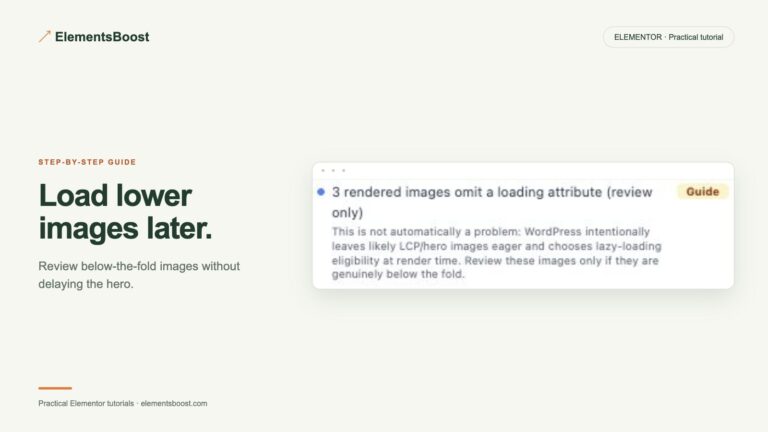
Lazy-load eligible Elementor images below the fold while keeping the hero available immediately and the layout stable.
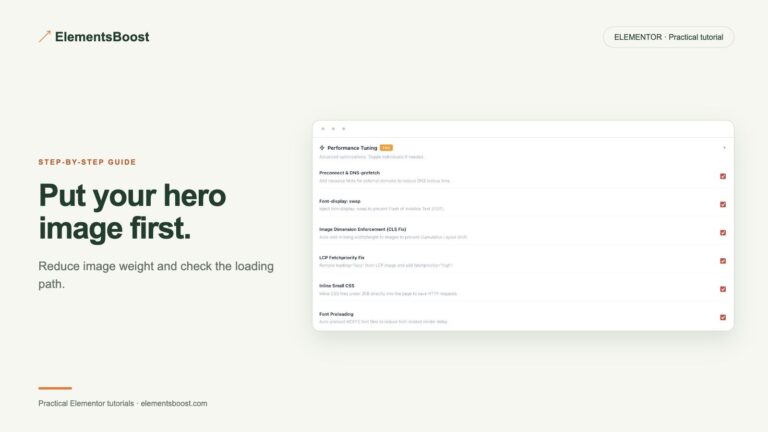
Find the actual Elementor LCP hero image, diagnose its delay and test the right Free, manual or Pro improvement.