
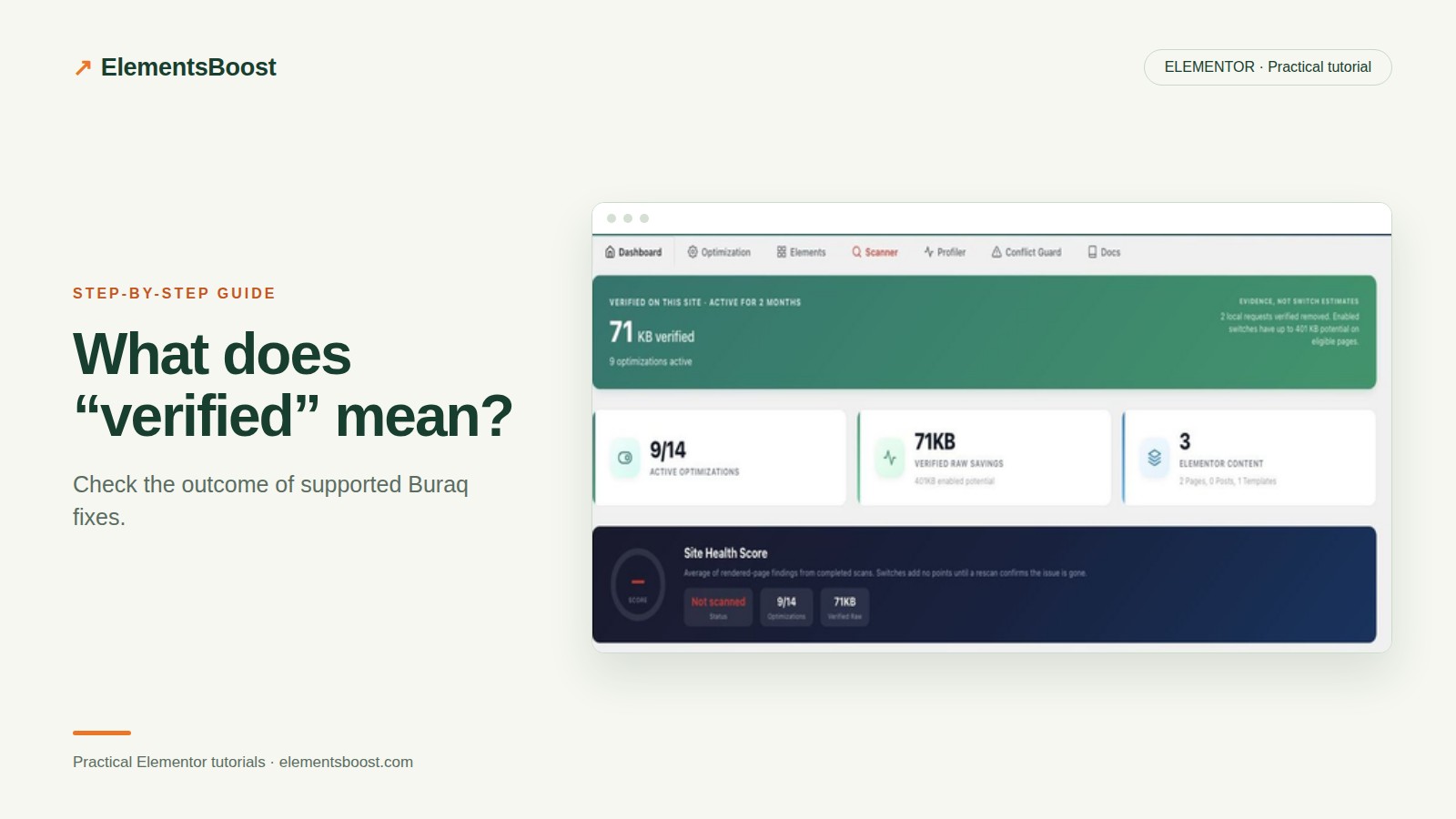
What a Verified Buraq Fix Means—and How to Check It
Content reviewed September 26, 2026 · Free 2.0.6 feature scope; Pro availability depends on the installed version and supported action.
“Applied,” “verified” and “faster” are different claims. A setting can save successfully while an old cache still serves the original page. A rendered fix can be confirmed while its effect on speed is too small to distinguish from lab variability.
Buraq’s verification is useful when you understand exactly what it checked. This guide explains how to read the result without treating every badge as a complete performance audit.
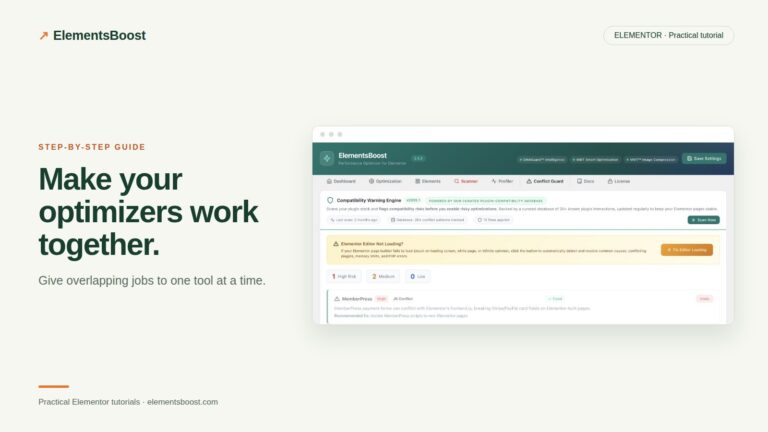
Workflow illustration: the steps to follow, not measured test results.
1. Read the expected change
Before using an action, identify the output it is meant to alter. That might be image dimensions, a supported content value or a frontend request. Read any eligibility or scope note. An estimated opportunity is not a confirmed saving.
2. Apply one supported action
Use the action offered for the current page and preserve its relevant recovery path. Supported content actions can have scoped undo; settings use their own history. If the action is not available for the element, do not infer that a superficially similar element has the same support.
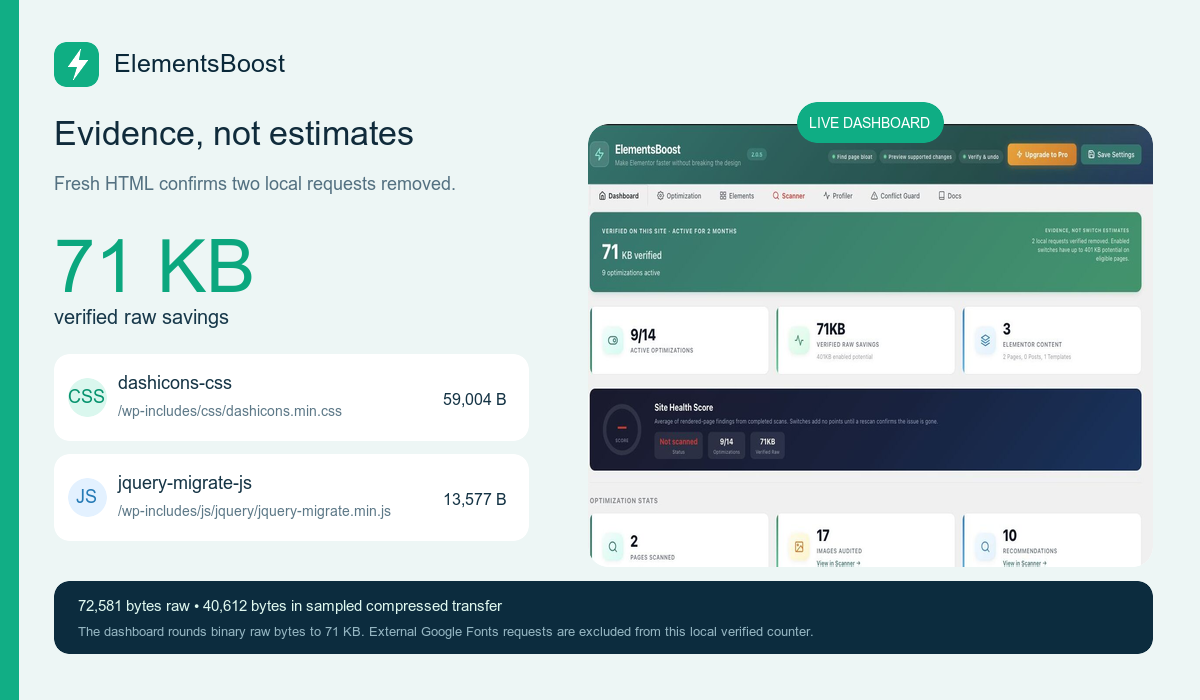
3. Inspect the fresh public rescan
For measurable rendered actions, Buraq fetches public output and checks the expected condition. Review the result and any remaining or unverified state. An old cache, private page, source mismatch or unsupported variant can prevent confirmation. Keep the result unverified until the underlying output is checked.
4. Resolve the Test Mode mismatch
A public scanner cannot see administrator-only Test Mode output. Use the controlled release sequence in the safety guide, or a staging test without Test Mode, before expecting public verification. Repeatedly applying the same private control does not change that boundary.
5. Add the evidence the badge does not cover
Inspect the markup or request yourself, then test the relevant interactions. Run a fair before/after performance comparison if you want to claim a speed benefit. A verified dimension attribute is proof of that condition, not proof of zero CLS or a particular Google ranking.
Before you call this fixed
- The verified condition is explicitly named.
- Unverified states are not reported as success.
- Public cache and Test Mode boundaries are understood.
- Any speed claim has separate measurement evidence.
Further reading: ElementsBoost’s current Free feature documentation on WordPress.org.
4 Comments