
How to Optimize Elementor Without Breaking the Design
Content reviewed September 26, 2026 · Free 2.0.6 feature scope; Pro availability depends on the installed version and supported action.
Most optimization regressions appear in a state you did not test: the mobile menu, the second slide, a popup, form validation or a sticky header. A page looking correct immediately after a desktop reload is a weak safety check.
This workflow is about preserving design and behavior while changing performance settings. It complements the detailed Test Mode and recovery guide rather than replacing it.
Workflow illustration: the steps to follow, not measured test results.
1. Choose representative pages and states
List the homepage, a typical article, a landing page and any important commerce or form page. For each, note the shared header, footer, popup and responsive features. Include at least one page that needs the asset you are considering removing, so you can check that the rule does not extend too far.
2. Record the starting behavior
Capture mobile and desktop screenshots and note how menus, tabs, sliders and forms behave. Save the active setting or rule and identify its recovery mechanism. Back up persistent content edits. This baseline helps distinguish a new regression from an existing problem.
3. Change one supported candidate
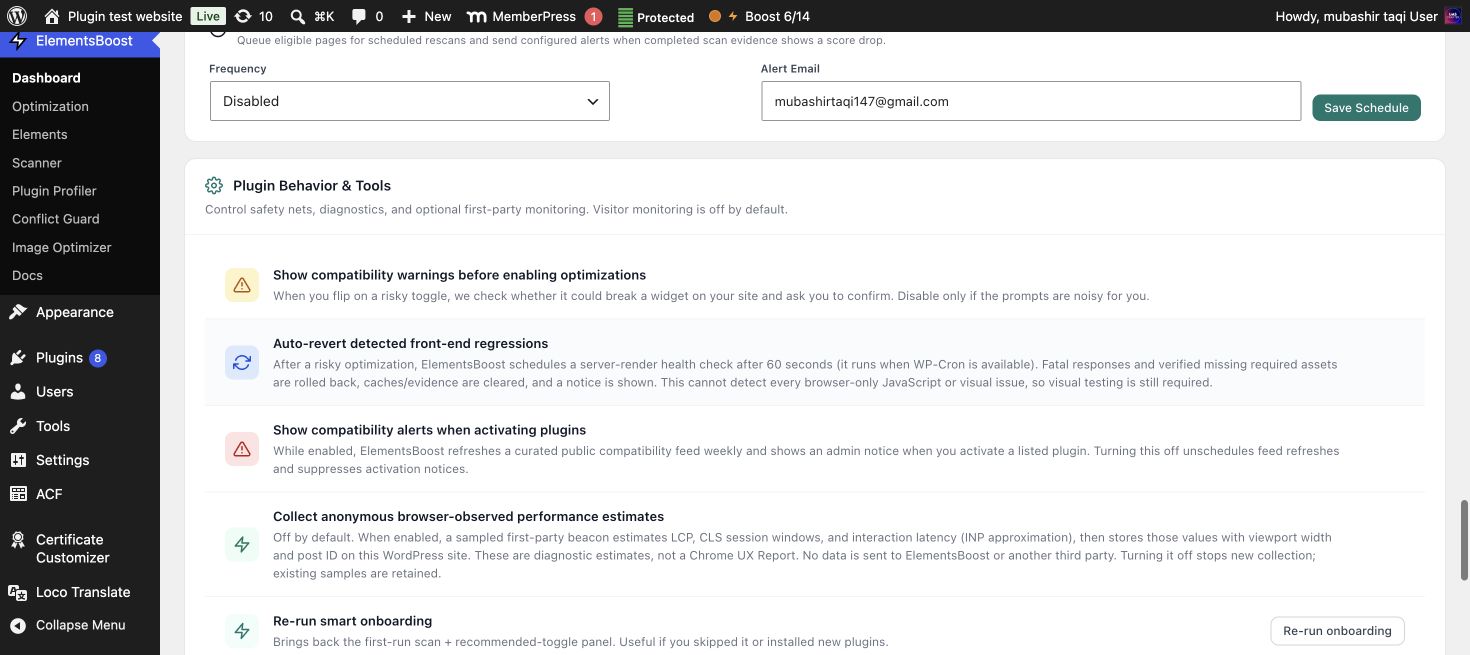
Use the relevant private test or Pro Safe Preview surface where available. Keep the scope as narrow as the diagnosis permits. Do not combine image rewriting, CSS removal and script delay in one unexplained change; that makes a broken result harder to trace.
4. Exercise the full interaction path
Open and close the mobile menu, navigate tabs, advance sliders, trigger popups and validate forms without sending unintended messages or orders. Check sticky states and resized layouts. If a function depends on a delayed script, ensure the trigger still initializes it correctly.
5. Verify after the controlled release
Follow the Test Mode transition guide, clear relevant caches and test the logged-out page again. Public output can differ from an administrator preview. If a regression appears, undo the last candidate using its supported mechanism, verify restoration and investigate the dependency before continuing.
Before you call this fixed
- Representative templates and breakpoints were tested.
- Menus, forms, sliders and popups still behave correctly.
- A recovery path exists for the actual action.
- The public improvement is worth the change.
Further reading: ElementsBoost’s current Free feature documentation on WordPress.org.
4 Comments