
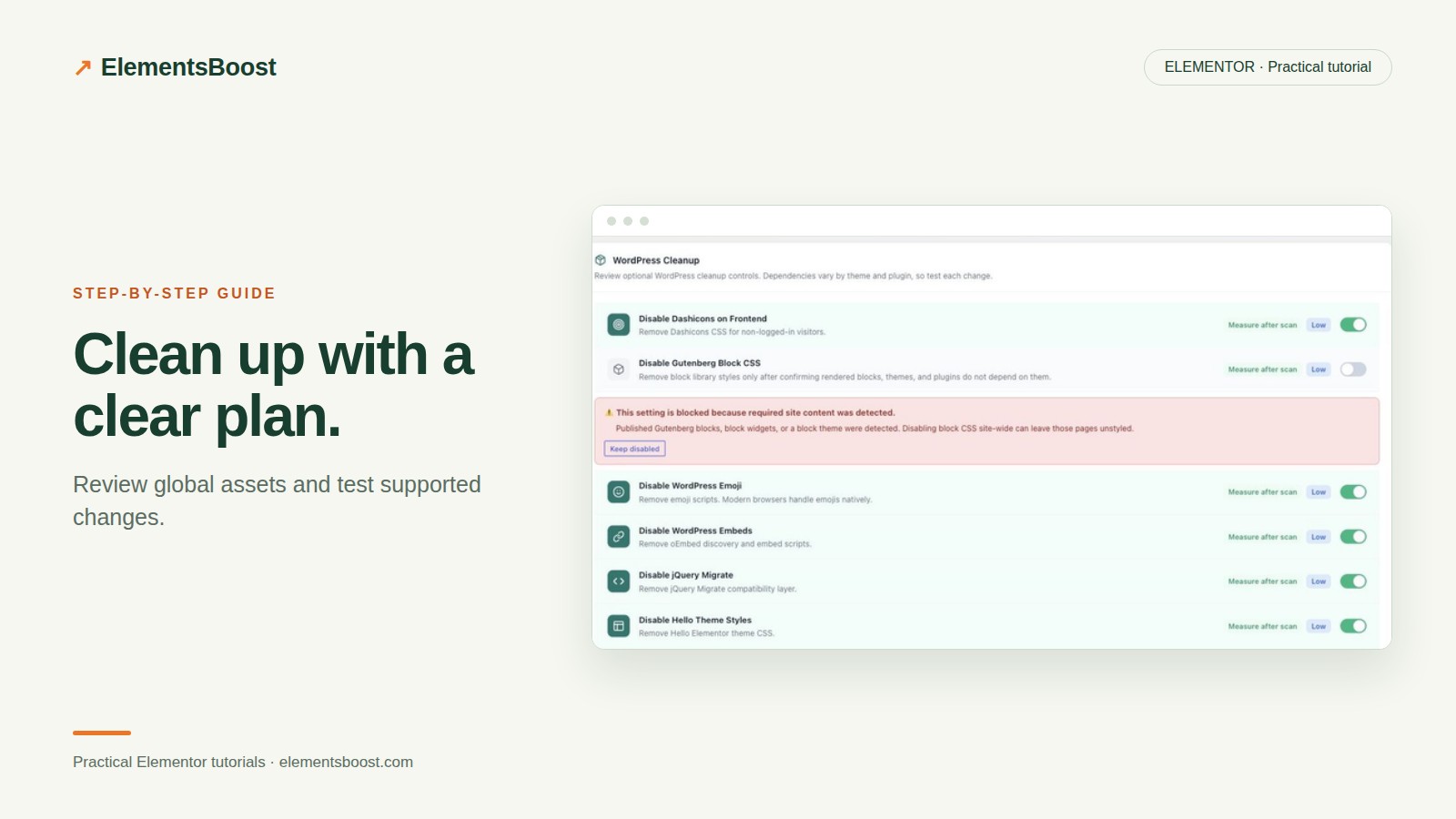
A Safe Global Asset Cleanup Workflow for Elementor
Content reviewed September 26, 2026 · Free 2.0.6 feature scope; Pro availability depends on the installed version and supported action.
A global cleanup switch can affect more than the page you are looking at. A library unused on an article may power a landing-page slider or a popup template. Global cleanup is appropriate only when the resource is unnecessary across the relevant site states.
This guide focuses on the Free global controls. Use the per-page remediation guide when you need a narrower rule.
Workflow illustration: the steps to follow, not measured test results.
1. Inventory representative templates
List pages that cover the site’s main functionality: header, footer, posts, landing pages, forms, popups and commerce if present. Note where icons, sliders, animations or block content appear. Check mobile-specific components rather than assuming desktop covers them.
2. Read the control’s scope and warnings
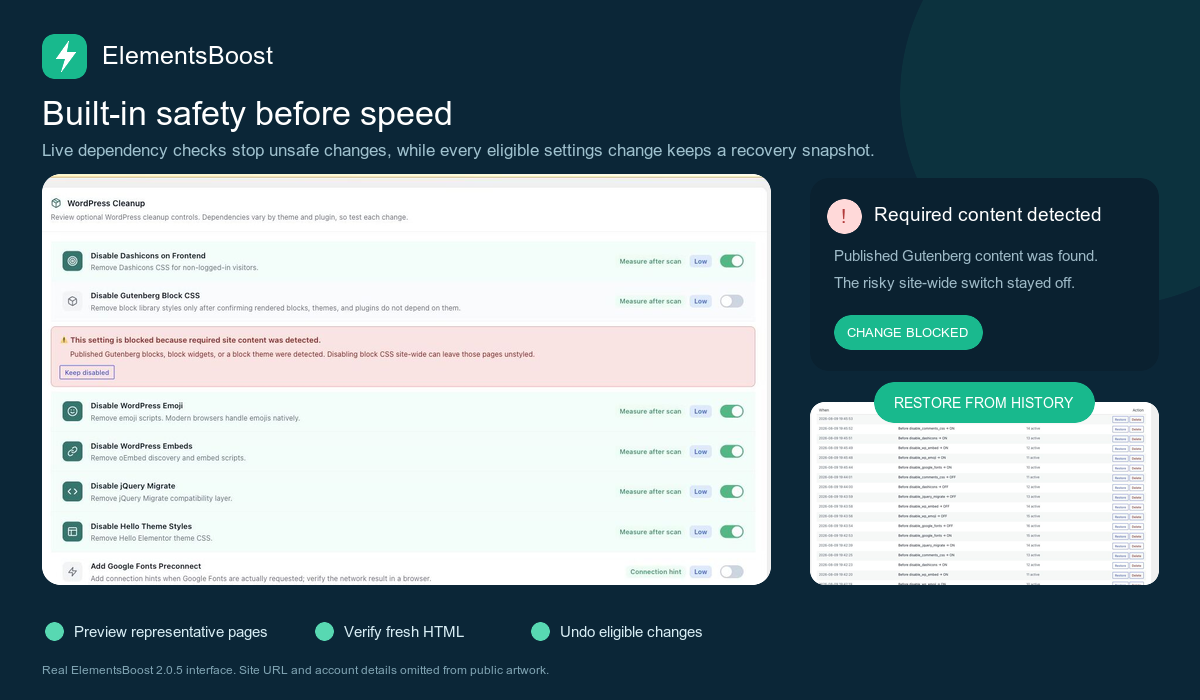
In ElementsBoost, review the candidate global control, its risk label and compatibility guidance. Use PageDNA and asset information to support the decision. A warning that required content was detected is evidence to investigate, not an obstacle to bypass for a better score.
3. Preview a single supported control
Enable the candidate through the supported Test Mode workflow and exercise all representative states. Persistent content edits are a separate task. Keep the prior setting and its recovery route available. If a resource is needed anywhere in the intended global scope, do not use a global removal for it.
4. Publish deliberately and verify
Follow the controlled release sequence, clear relevant caches and inspect logged-out requests. Test pages both with and without the relevant feature. Confirm that the expected file disappears only when the control is appropriate and no required visual or interactive behavior regresses.
5. Keep the configuration explainable
Record why each global control is enabled and when to revisit it. A redesign, new widget or addon update can introduce a dependency. Retest the control when that happens instead of assuming an old optimization remains safe forever.
Before you call this fixed
- The global scope matches the evidence.
- Required-content warnings were respected.
- Representative pages and responsive states work.
- Each enabled control has a documented reason.
Further reading: Chrome DevTools documentation for CSS and JavaScript coverage.
7 Comments